Introduction
Welcome to Nextrader.live, your premier destination for 100% free trading tools designed specifically for Deriv traders. In this comprehensive tutorial, we'll guide you through the exciting process of discovering, connecting, and running your very first free Deriv bot using the intuitive NexTrader Bot platform (bot.nextrader.live). Whether you're a seasoned trader looking to automate your strategies or a newcomer eager to explore the power of algorithmic trading on Deriv's synthetic indices, forex, gold, silver, and crypto markets, this guide is for you.
By the end of this tutorial, you will confidently navigate the NexTrader Bot Hub, select a suitable free deriv bot, securely connect your Deriv account using an API token, and launch automated trades with just one click. Our goal is to demystify automated trading, showing you how accessible and powerful NexTrader's binary bots can be, all without any subscriptions or paywalls. Get ready to enhance your Deriv trading experience and unlock new possibilities with a free deriv bot.
This tutorial focuses specifically on the one-click execution of pre-built bots, eliminating the need for any coding knowledge. We'll leverage the extensive library of 747+ ready-to-run Deriv bots available in the NexTrader Bot Hub, ensuring you have a smooth and efficient start to your automated trading journey.
What You Need Before Starting
Before you dive into running your first free Deriv bot, ensure you have the following ready:
Load a Free Deriv Bot in One Click
Browse 747+ ready-to-run Deriv bots — Rise/Fall, Over/Under, Even/Odd, Match/Differ. No coding, free forever.
- 747+ Free Bots
- One-Click Load
- Rise/Fall & Digits
- Demo or Real
- A Deriv.com Account: This can be a demo account (highly recommended for beginners) or a real account. You'll need this to connect to Nextrader.
- A NexTrader Bot Account: Register for free at Sign Up Free — Nextrader to access bot.nextrader.live.
- A Deriv API Token: You'll generate this on your Deriv.com account to securely link NexTrader Bot. This token grants NexTrader permission to trade on your behalf without requiring your Deriv password.
- Basic Understanding of Deriv Assets: Familiarity with Deriv's synthetic indices (V10, V25, V50, V75, V100 + 1Hz), forex, gold, silver, or crypto will help you choose an appropriate bot.
Step 1: Navigating to the NexTrader Bot Hub and Filtering for Free Bots
Your journey begins at the heart of automated trading on Nextrader: the NexTrader Bot Hub. This is where hundreds of powerful deriv trading bots await, ready to be deployed with a single click.
First, open your web browser and go to bot.nextrader.live. If you're not already logged in, you'll be prompted to do so. Once logged in, you'll land directly on the NexTrader Bot Hub dashboard. This central hub is meticulously organized, showcasing the vast library of Deriv bots available, categorized by contract type, speed, and popularity.
On the left-hand side or prominently displayed within the main interface, you will find options to browse bots. NexTrader Bot categorizes its 747+ bots into "Free Bots" and "Premium Bots." For this tutorial, our focus is squarely on the "Free Bots" tier. Look for a clear filter or section labeled "Free Bots" and click on it. This action will filter the extensive list, presenting only the bots that are 100% free to use, without any hidden costs or subscriptions. This ensures you're only seeing the binary bots available to you without any commitment.
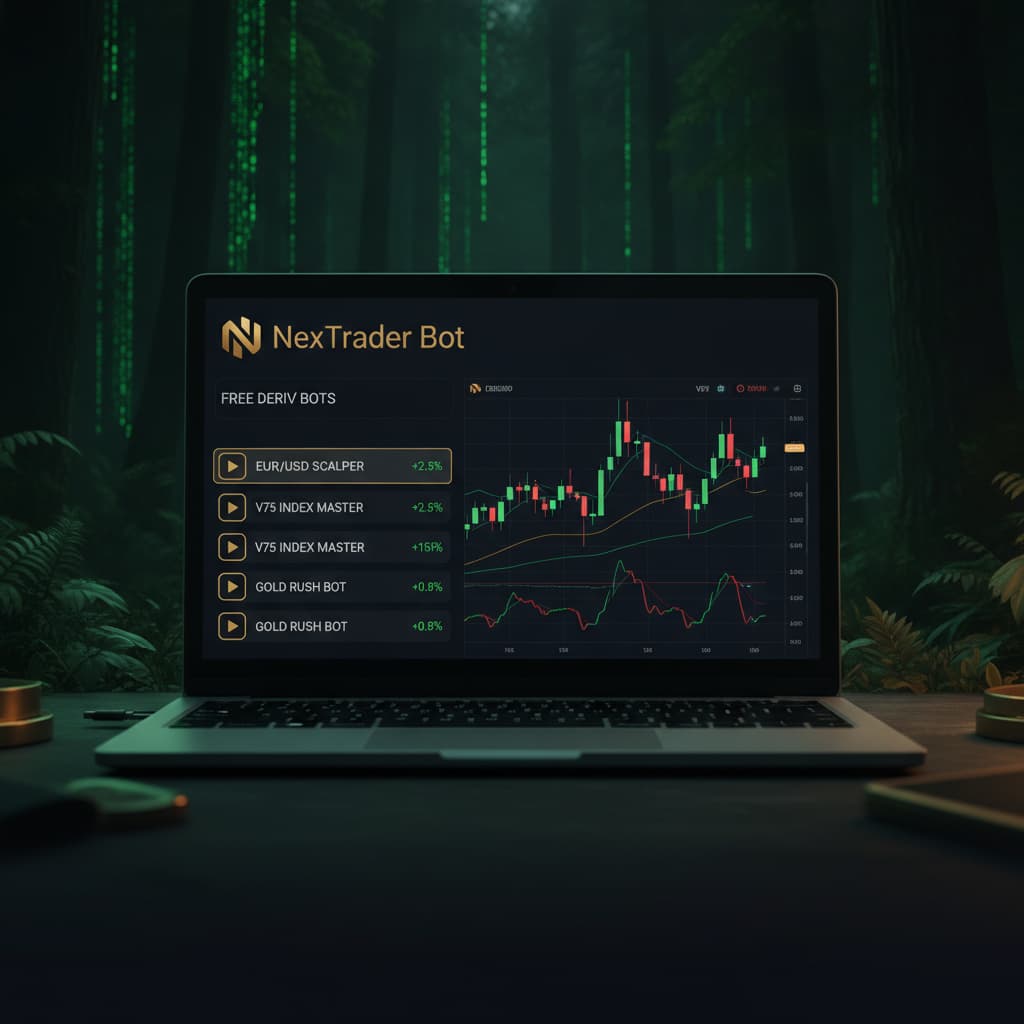
As you browse the filtered list of [Free Deriv Bots](/trending-free-deriv-bots), take note of the various naming conventions. You'll see bots grouped by contract type: Rise/Fall, Over/Under, Even/Odd, and Match/Differ. Each bot also indicates whether it's Tick, Indicator, or Candle based. For instance, you might see bots named "Rise Rocket," designed for Rise/Fall contracts, or "Even Comet" for Even/Odd strategies. This initial exploration allows you to get a feel for the diversity of strategies available, all without writing a single line of code. The NexTrader Bot Hub is designed for ease of use, making it simple to find a deriv bot that aligns with your trading preferences.
Step 2: Selecting Your First Free Deriv Bot
With the "Free Bots" filter applied, you're now presented with a curated selection of powerful deriv bots, each ready for one-click deployment. This step involves choosing the perfect bot to kickstart your automated trading experience.
Carefully scroll through the list of available free binary bots. Pay attention to the bot names, as they often give a clue about their intended strategy or contract type. For example, "Rise Rocket" suggests a bot optimized for 'Rise' contracts, while "Under 8 Flash" likely targets 'Under' contracts with an 8-digit prediction. You'll also notice badges associated with certain bots, such as "Trending," "Hot," or "Most-used." These badges are valuable indicators, highlighting bots that are currently popular or have a proven track record among the Nextrader community. Opting for a "Most-used" free deriv bot can be a good starting point, as it often signifies reliability and effectiveness as perceived by other traders.
Consider the contract types:
- Rise/Fall: Predict if the exit spot will be strictly higher or lower than the entry spot.
- Over/Under: Predict if the last digit of the exit spot will be greater or less than a specific digit.
- Even/Odd: Predict if the last digit of the exit spot will be an even or odd number.
- Match/Differ: Predict if the last digit of the exit spot will match or differ from a specific digit.
If you're unsure, a simple Rise/Fall bot like "Rise Rocket" or "Fall Falcon" is often a great entry point due to its straightforward logic. These bots are also distinguished by their speed settings, such as "1-Tick" and "1-Tick Turbo," indicating how frequently they execute trades. For your first run, a standard "1-Tick" speed is perfectly adequate for observation. Once you've identified a free deriv bot that piques your interest, simply click on its card or name. This action will load the bot's configuration directly into your trading interface, preparing it for execution without any complex setup. You'll see the bot's underlying "Block-based" structure, consisting of approximately 48 blocks, confirming that no coding is required from your end – it's truly a one-click load and run experience.
Step 3: Connecting Your Deriv Account with an API Token
To allow NexTrader Bot to execute trades on your behalf, you need to securely connect it to your Deriv.com account using an API token. This is a critical security measure that grants specific permissions without sharing your main account credentials.
First, you need to generate an API token from your Deriv.com account. Log in to your Deriv.com account. Navigate to the "Settings" or "Security & Limits" section (the exact path may vary slightly but is typically found under your profile dropdown). Look for an option like "API Tokens" or "API Key." Click to create a new token. When generating the token, you'll be asked to select permissions. For trading with NexTrader Bot, ensure you grant permissions for "Read," "Trade," and potentially "Cashier" if you plan to manage funds directly from the bot (though "Read" and "Trade" are essential for bot operation). Once generated, Deriv will display your unique API token. Copy this token immediately, as it may not be shown again for security reasons.
Now, return to the NexTrader Bot platform (bot.nextrader.live) where your chosen free deriv bot is loaded. On the NexTrader Bot interface, usually at the top or within a dedicated "Account Connection" panel, you will find an input field labeled "Deriv API Token" or similar. Paste the API token you copied from Deriv.com into this field. After pasting, there will typically be a "Connect" or "Login" button. Click this button.
NexTrader Bot will then attempt to establish a secure connection with your Deriv account. Upon successful connection, your Deriv account balance (demo or real, depending on your token's origin) will be displayed directly on the NexTrader Bot dashboard. This confirms that your deriv trading bot is now linked and ready to interact with your Deriv funds. You'll see your live demo balance, giving you real-time feedback on your account status within the NexTrader environment. This step is pivotal, as it bridges your chosen binary bots with your trading capital on Deriv.
Step 4: Understanding Bot Settings and Preparing to Run
With your free deriv bot loaded and your Deriv account connected, it's time to familiarize yourself with the bot's interface and make any final preparations before initiating trades. The NexTrader Bot platform is designed for simplicity, even with its powerful capabilities.
After loading your chosen bot, you'll typically see a dashboard area that displays the bot's specific settings. While NexTrader's bots are "Block-based bots" with approximately 48 blocks each and require "no coding," you might have a few adjustable parameters for risk management or trade size. Common settings include:
- Initial Stake: This is the amount of capital the bot will use for each individual trade. For your first run, especially on a demo account, it's highly recommended to start with a very small stake to observe the bot's behavior without significant risk.
- Target Profit/Stop Loss: Some bots allow you to set overall profit targets or maximum loss limits for the entire trading session. This is a crucial risk management feature.
- Martingale/Risk Management Multipliers: While many free binary bots employ various money management strategies, understanding how these might influence your stake size after a loss is important. Always start cautiously.
Take a moment to review these settings. For your very first run, resist the urge to immediately maximize stakes or profit targets. The primary goal here is to observe how the deriv bot functions in a live environment. Ensure your account type (demo or real) is correctly reflected on the NexTrader dashboard. It is strongly advised to begin with a Deriv demo account. This allows you to test the free deriv bot's performance and understand its trading logic without any financial exposure.
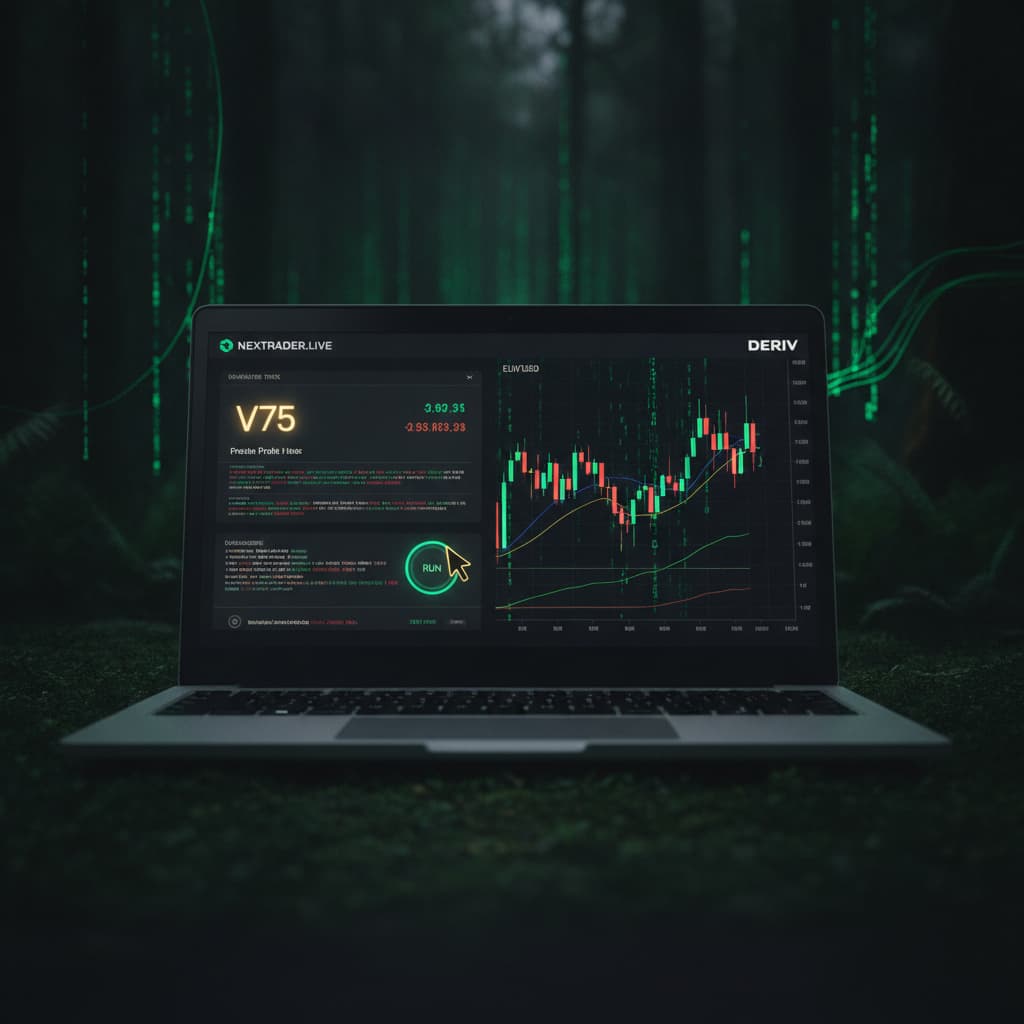
On the dashboard, you'll clearly see the "Run/Stop controls." These are your primary interaction points with the deriv bot once it's configured. Before clicking "Run," double-check that your desired free deriv bot is loaded, your Deriv API token is connected, and your initial stake is set to a minimal amount on your demo balance. The NexTrader platform provides a clear overview, making this preparation phase straightforward and user-friendly.
Step 5: Executing Your First One-Click Deriv Bot Trade
The moment has arrived! With your free deriv bot selected, your Deriv account connected, and your settings reviewed, you are now ready to execute your first automated trade with a single click.
Locate the prominent "Run" button on the NexTrader Bot dashboard. This button is your gateway to automated trading. When you click "Run," the NexTrader Bot will immediately begin to analyze market conditions based on its pre-programmed logic (whether it's a Tick, Indicator, or Candle based bot) and place trades on your connected Deriv account according to its strategy. This is where the magic of a deriv trading bot truly comes alive.
Once the bot is running, keep a close eye on the live dashboard. You'll see real-time updates on the bot's activity, including:
- Trade History: A log of each trade placed, showing entry/exit points, stake, and profit/loss.
- Current Balance: Your Deriv account balance will update dynamically with each trade.
- Profit/Loss Summary: An ongoing tally of your session's overall performance.
- Usage Counters: These counters track how many times the bot has been run, contributing to its "Trending" or "Most-used" status.
Observe how the chosen free deriv bot behaves. Does it place trades frequently? What are the typical outcomes? This observation phase is crucial for building confidence and understanding the bot's strategy. Remember, trading involves risk, and even the most sophisticated deriv bots can experience losses. Your goal here is to learn and adapt.
To stop the bot at any time, simply click the "Stop" button, which will be prominently displayed alongside the "Run" button. This will immediately halt all trading activity by the deriv bot. It's good practice to stop the bot after a period of observation, review the results, and then decide whether to continue, adjust settings, or try a different free deriv bot from the Bot Hub. Congratulations, you've successfully found, connected, and run your first free Deriv bot on Nextrader.live!
Pro Tips
1. Start with Demo Accounts: Always, always begin testing any new deriv bot on a Deriv demo account. This allows you to understand its performance and risk profile without risking real capital. Only transition to a real account once you are fully confident in the bot's strategy and your risk management approach.
2. Explore Contract Types and Speeds: Don't limit yourself to just one type of free deriv bot. The NexTrader Bot Hub offers bots for Rise/Fall, Over/Under, Even/Odd, and Match/Differ contracts, as well as different speeds like "1-Tick" and "1-Tick Turbo." Experiment with various contract types and speeds to find strategies that resonate with your trading style and market outlook.
3. Leverage Community Insights: Join the vibrant Nextrader Telegram community at Telegram. This community is an invaluable resource where you can ask questions, share experiences, and gain insights from other Deriv traders using NexTrader's tools. It's a great place to discover which binary bots are performing well for others.
4. Monitor Trending Bots: Keep an eye on the "Trending," "Hot," and "Most-used" badges within the NexTrader Bot Hub. These indicators can help you quickly identify popular and potentially effective free deriv bots that other traders are actively deploying. While popularity doesn't guarantee future performance, it often points to robust and well-received strategies.
Start Now
Ready to revolutionize your Deriv trading? Dive into the world of automated trading with Nextrader's 100% free tools.
Begin your journey: bot.nextrader.live
Sign up for free: Sign Up Free — Nextrader
Join our community: Telegram
Trading involves risk. Past performance does not guarantee future results.